
X8 Speeder
Tools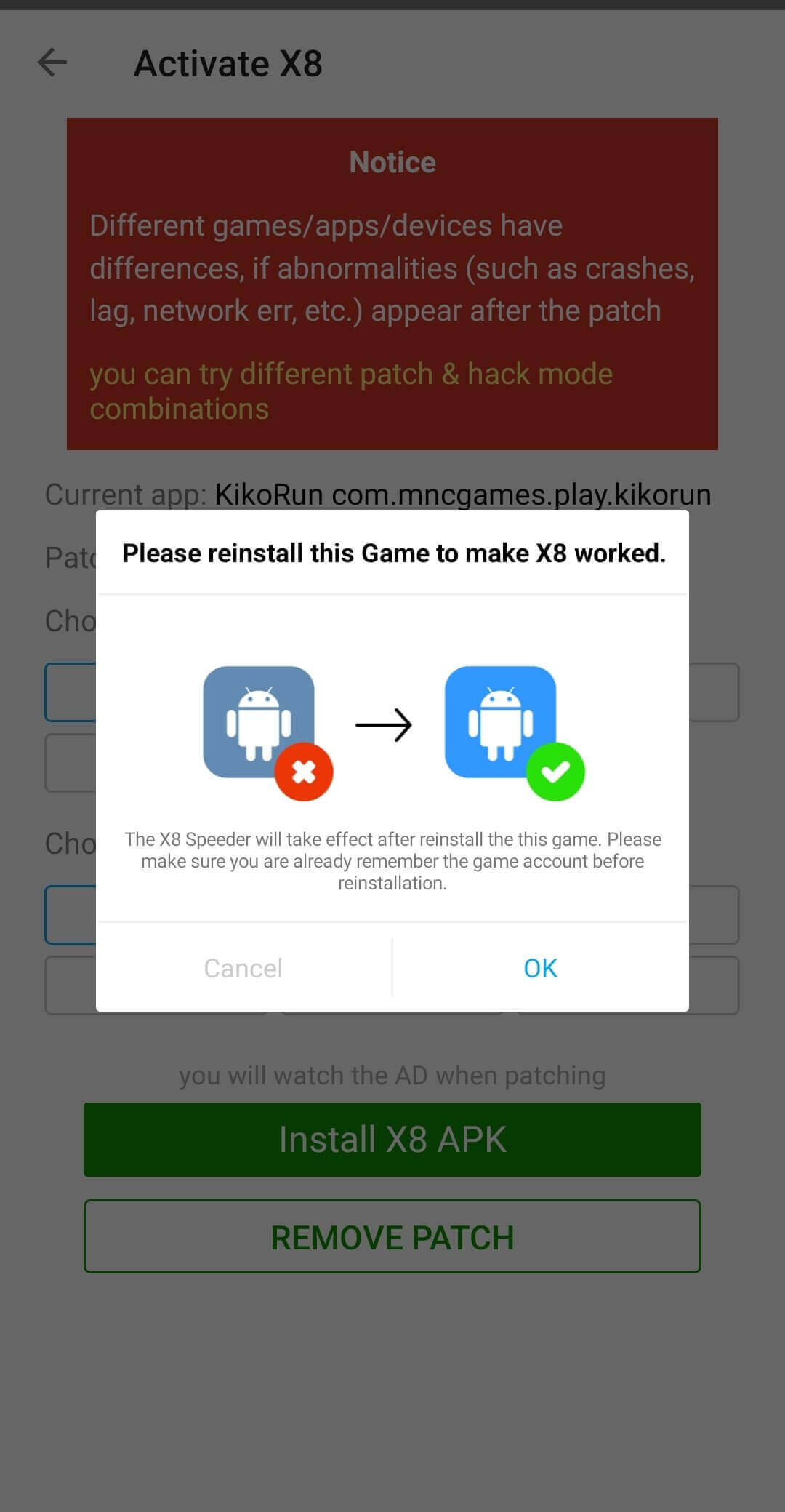
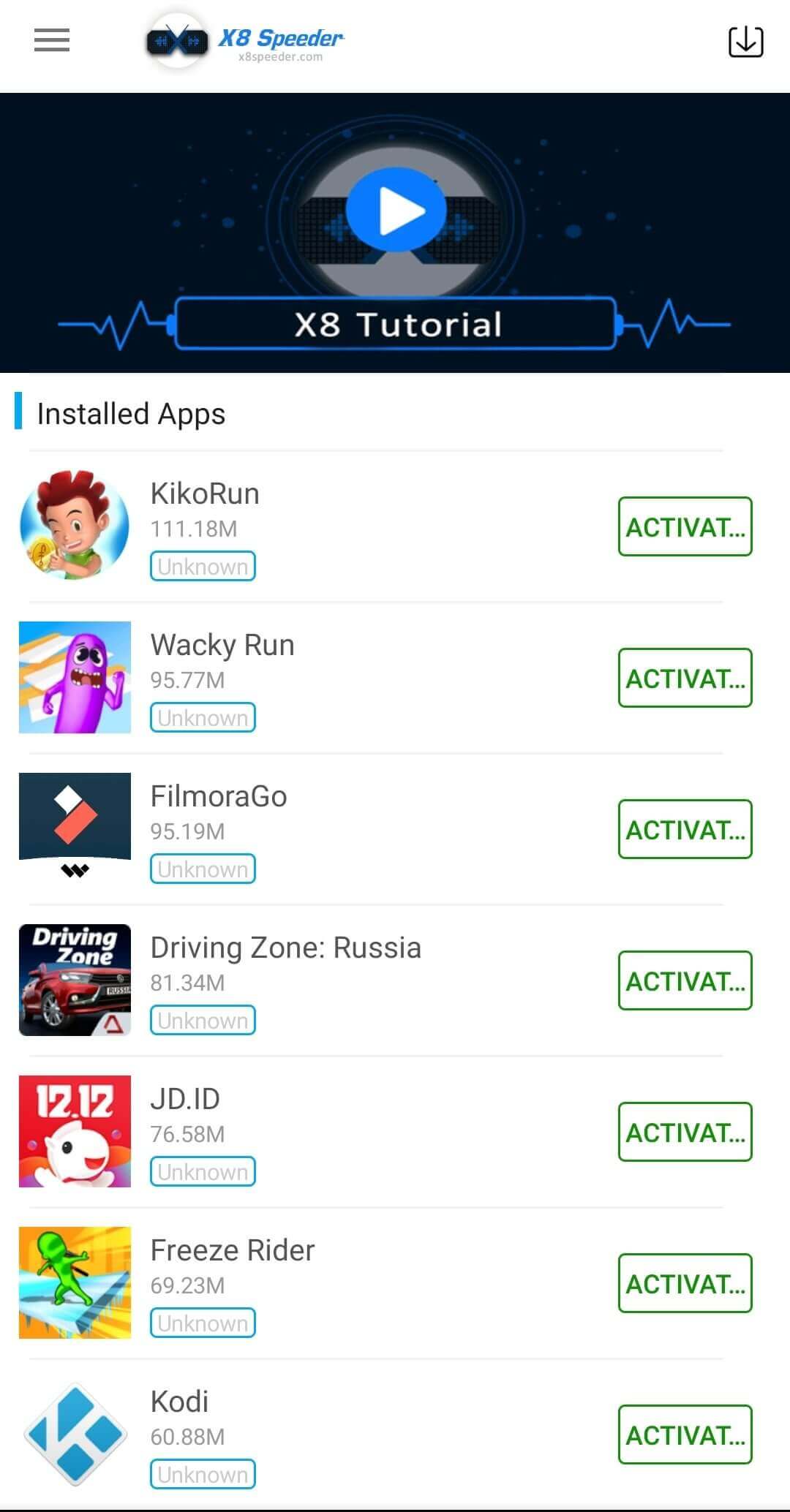

X8 Speeder is an Android utility that claims to tap into known loopholes of online multiplayer games. It is marketed as a way to gain an advantage by speeding up actions or bypassing certain in‑game restrictions.
This page provides the basic information you need before downloading, how to install the APK safely, common issues you might encounter, and a brief comparison with other well‑known game‑cheat tools.
Quick Information
| App/Game Name | X8 Speeder |
| Latest Version | 3.3.6.8 |
| Developer | Not listed |
| Category | Apps / Tools |
| App Size | 13.5 MB |
| Package Name | com.x8zs.ds2 |
| Last Updated | 10 January 2026 |
What Is X8 Speeder?
X8 Speeder is a tool designed for Android devices that attempts to modify game behavior at runtime. Its core features, as described by the developer, include:
- Exploiting known loopholes in multiplayer games.
- Potentially increasing movement speed or action rates.
- Providing shortcuts that are not part of the original game.
The app does not come from an official app store, and the developer is listed as “unknown.” Because it operates by altering game data, using it can lead to detection by anti‑cheat systems, possible account bans, or instability in the affected games. No official support or guarantees are provided.
Compatibility
| Android Version | Not Verified |
| Architecture (ARM64 / 32-bit) | ✓ Verified — Supports common device architectures |
| Internet Connection | ✓ Verified — May be required for ads, updates, or login |
| Storage Needed | Not Verified |
| OBB/Data Files | Not Verified |
| Root Required | Not Verified |
How to Install
- Open your device Settings → Security (or Privacy) and enable Install unknown apps for the browser or file manager you will use.
- Download the X8 Speeder APK file to your device.
- Locate the downloaded file using a file manager and tap it to start the installation.
- Follow the on‑screen prompts and grant any requested permissions.
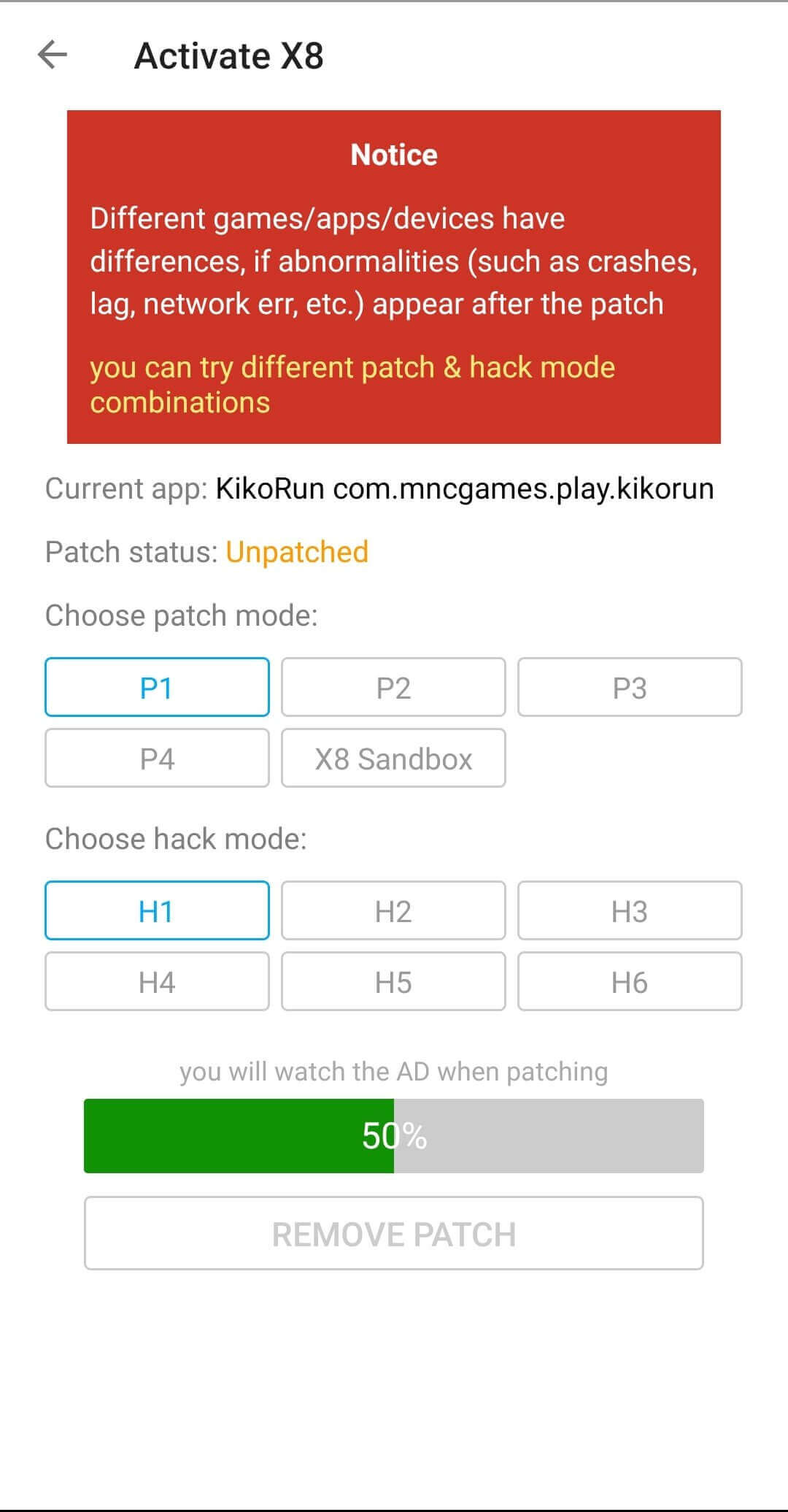
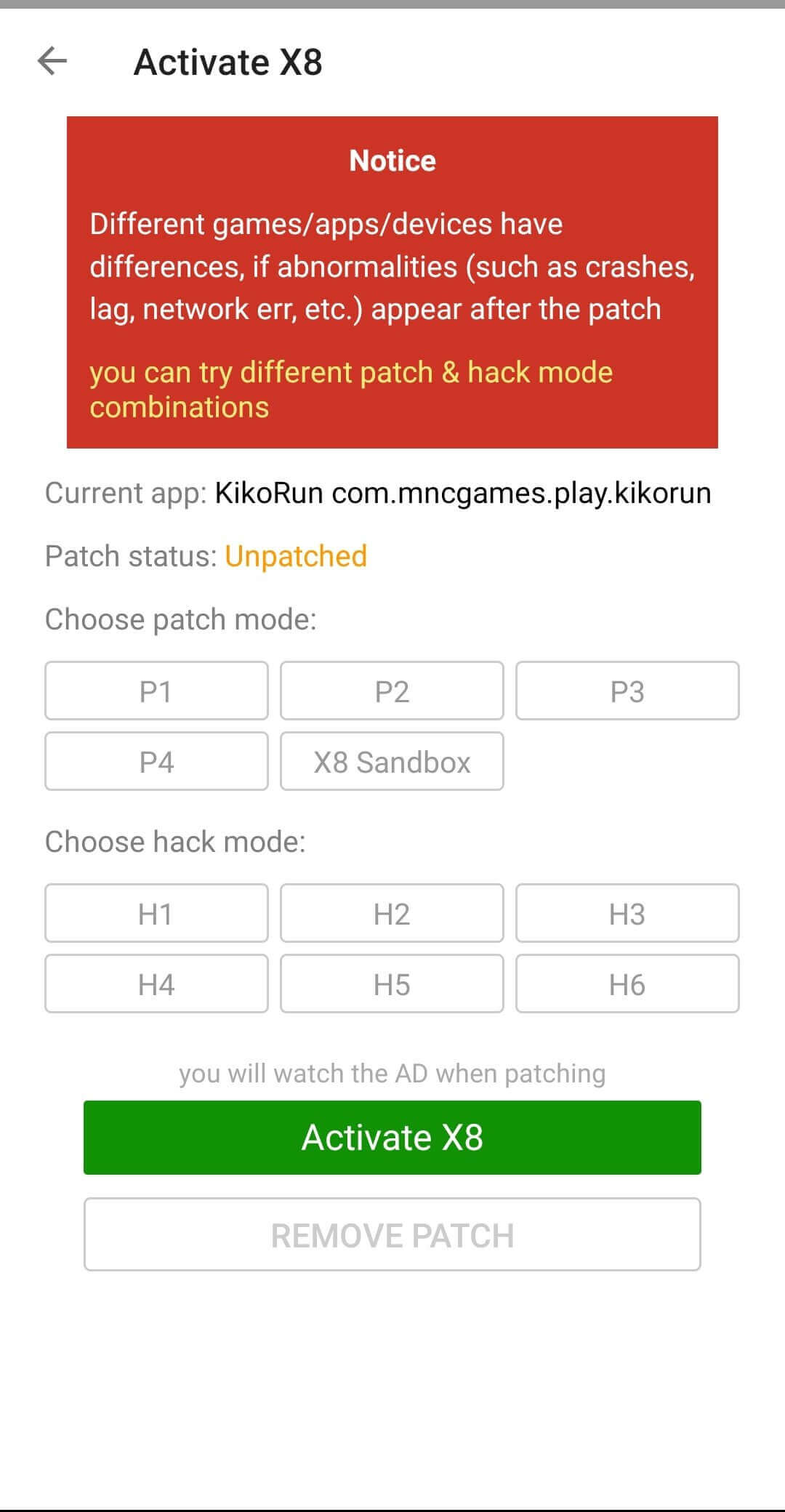
- Once installed, open the app and follow any in‑app instructions to activate its features.
Troubleshooting
- App not installed: Ensure that unknown sources are enabled and that the APK is not corrupted.
- Crashes on startup: Verify that your Android version meets the minimum requirements and that no other game‑modding apps are conflicting.
- Features not working: Some games receive frequent anti‑cheat updates that can block the loopholes X8 Speeder relies on.
- Login or online‑auth issues: The app does not handle game authentication; any login problems are likely due to the game’s own servers.
Safety & Security
Because X8 Speeder is not distributed through official channels, you should download it only from a trusted source. Check the APK’s permissions after installation—if it requests access unrelated to its purpose (e.g., contacts, SMS), consider it a red flag.
Using cheat tools can violate a game’s terms of service, leading to temporary or permanent bans. Additionally, modified apps may be flagged by security software, and future updates of the original game can render the tool ineffective.
How X8 Speeder Compares
| Feature | X8 Speeder | GameGuardian | Lucky Patcher |
|---|---|---|---|
| Price / Free model | Free (ad‑supported) – Not verified | Free with optional in‑app purchases | Free (ad‑supported) |
| Platform availability | Android only | Android only | Android only |
| Standout feature | Targets known game loopholes for speed/advantage | Memory editor for real‑time value changes | Removes license verification and ads |
| Best for | Players seeking quick speed‑related cheats | Users who need detailed memory manipulation | Those wanting to unlock premium features without paying |
Alternatives
Several other Android tools offer similar cheat capabilities:
- GameGuardian – A powerful memory editor that lets users modify in‑game values on the fly.
- Lucky Patcher – Primarily used to remove license checks and ads, it can also enable premium features.
- SB Game Hacker – Focuses on speed hacks and other real‑time modifications for a variety of games.
- Cheat Engine for Android – A mobile version of the classic PC cheat engine, offering extensive scanning and editing tools.
Final Verdict
X8 Speeder is a niche utility aimed at players who want to exploit specific game loopholes for speed advantages. It is small in size and easy to install, but its effectiveness varies as games update their anti‑cheat systems. Because the developer is unknown and the app is not officially vetted, users should exercise caution, verify permissions, and be aware of the risk of account bans. If you need more robust memory editing or broader feature sets, consider established tools like GameGuardian or Lucky Patcher.
Frequently Asked Questions
The app is not from an official store, so you should only download it from a trusted source and review the permissions it requests.
The exact minimum version is not listed, but it runs on most Android 5.0+ devices.
Root is not explicitly required, but some features may work better on rooted devices.
Enable installation from unknown sources, download the APK, and follow the standard install prompts.
Yes, because it modifies game behavior, using it can violate terms of service and lead to bans.
The app is offered for free, though it may contain ads; exact pricing details are not verified.
It targets known loopholes in certain multiplayer games, so it may not work with all titles.
X8 Speeder is a separate utility, not an update to any existing game, so it installs alongside other apps.